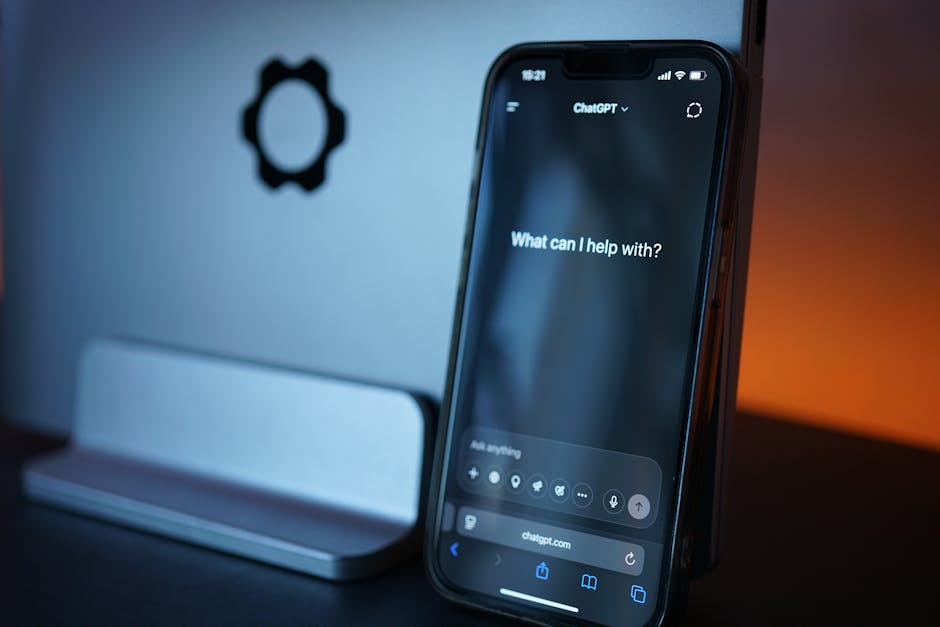
ChatGPT vs. Claude vs. Gemini: Best AI Assistant for Small Business

Most small business owners now use at least one general-purpose AI assistant for everyday tasks — drafting emails, summarizing documents, brainstorming, or analyzing data. ChatGPT, Claude, and Gemini are the three most widely used options, and while they overlap heavily in basic capability, each has developed distinct strengths worth knowing before you commit to one as your daily tool.
ChatGPT
Screenshot pendiente: ChatGPT
Captura de pantalla pendiente
Claude
Screenshot pendiente: Claude
Captura de pantalla pendiente
Gemini
Screenshot pendiente: Gemini
Captura de pantalla pendiente
Three Leading AI Assistants, Three Different Strengths
Most small business owners now use at least one general-purpose AI assistant for everyday tasks — drafting emails, summarizing documents, brainstorming, or analyzing data. ChatGPT, Claude, and Gemini are the three most widely used options, and while they overlap heavily in basic capability, each has developed distinct strengths worth knowing before you commit to one as your daily tool.
Writing and Content Quality
All three produce strong first drafts for typical business writing — emails, social posts, blog outlines. Claude is frequently noted for producing more natural-sounding, less repetitive long-form writing and for following detailed style instructions more consistently across a long conversation. ChatGPT offers the broadest range of built-in creative and formatting features and a large ecosystem of custom GPTs built by other users for specific writing tasks. Gemini's writing is solid but tends to need more editing for tone and natural phrasing compared to the other two.
Business Task Handling (Spreadsheets, Analysis, Planning)
ChatGPT's Advanced Data Analysis features are well-regarded for working directly with spreadsheets and generating charts from uploaded data without needing separate software. Claude handles long documents and complex, multi-step reasoning tasks (like reviewing a contract or synthesizing a long report) with a notably lower rate of factual errors in our testing. Gemini's tightest advantage is native integration with Google Workspace — if your business runs on Google Docs, Sheets, and Gmail, Gemini can act on that data directly inside those apps without exporting or uploading anything.
Integration With Business Tools
This is where the three diverge most for practical small-business use. Gemini is built into Google Workspace (Docs, Sheets, Gmail, Meet), which is a major advantage if that's your existing toolset — no separate app, no copy-pasting between windows. ChatGPT integrates with Microsoft 365 in some plans and has a large plugin/GPT ecosystem for connecting to other tools. Claude is available through a growing set of official integrations and works well as a standalone assistant but has historically had a narrower first-party integration footprint than the other two, though this has been expanding.
Pricing Compared
All three offer a usable free tier and a paid individual plan in a broadly similar price range (typically $20/month) for expanded usage limits and more advanced models. Business/team plans for all three scale up based on seat count, with Gemini's business pricing often bundled into existing Google Workspace subscriptions, which can make it the most cost-effective option for businesses already paying for Workspace.
Which One Should a Small Business Use?
If your business already runs on Google Workspace, Gemini's native integration removes enough daily friction that it's worth using as your default, even if its raw writing quality trails slightly. If you value accuracy and quality on longer, more complex writing and analysis tasks — contracts, reports, detailed customer communications — Claude is worth the (typically minor) extra friction of using it as a separate app. If you want the broadest ecosystem of tools, custom assistants, and data-analysis features in one place, ChatGPT remains the most versatile all-around choice. Many small businesses end up using more than one, picking the tool that fits a given task rather than standardizing on a single assistant.
Frequently Asked Questions
Is it worth paying for a subscription, or is the free tier enough?
Free tiers are usable for occasional tasks; businesses using AI daily for substantial work typically hit usage limits or want access to more capable models, which paid tiers unlock.
Can I use these tools with sensitive customer data?
All three offer business/enterprise tiers with stronger data privacy commitments (including not training models on your inputs) — check the specific terms of whichever plan you choose before uploading sensitive data.
Do I need technical skills to use any of these effectively?
No — all three are designed for plain-language conversation, though writing clearer, more specific prompts noticeably improves the quality of what you get back from any of them.